The best editing software is the one that lets you stop thinking about software and start thinking about the film. DaVinci Resolve has become that option for me.
One project, fewer handoffs
I can organize footage, build the rough and fine cut, work on sound, finish the color and prepare delivery inside one project. The timeline does not have to move between several applications just because the job has entered a new phase.
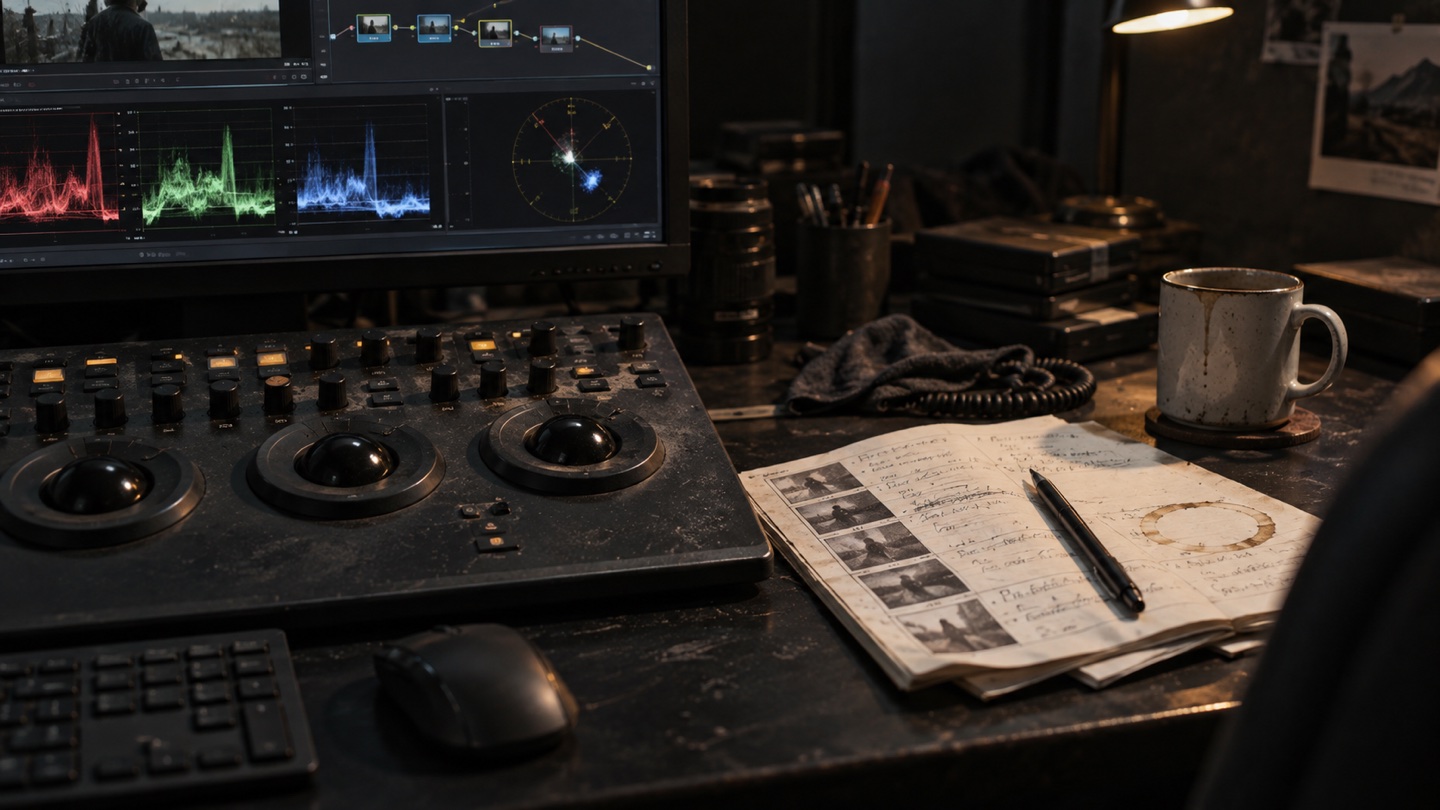
Resolve separates the work into Media, Cut, Edit, Fusion, Color, Fairlight and Deliver pages. That structure suits the way I work: the edit stays in Edit, focused image work happens in Color, sound lives in Fairlight and Fusion is there when a shot genuinely needs more.
Color without a detour
It is especially useful when cameras need to match, white balance needs attention or flat material needs a finished look. Color is not a decoration at the end. It is part of the same timeline and the same story.
The software does not make editorial decisions
No tool can find the right rhythm on its own, remove a technically good but unnecessary shot or decide where silence should stay. Resolve works for me because it supports those decisions without forcing the project into a complicated handoff.
Blackmagic Design explains the individual workspaces on the official DaVinci Resolve page. For a client project, the important part is still what the video needs to do, not which application produced it.